BeamCue 빔큐
Turn screen recordings into stories you can keep editing
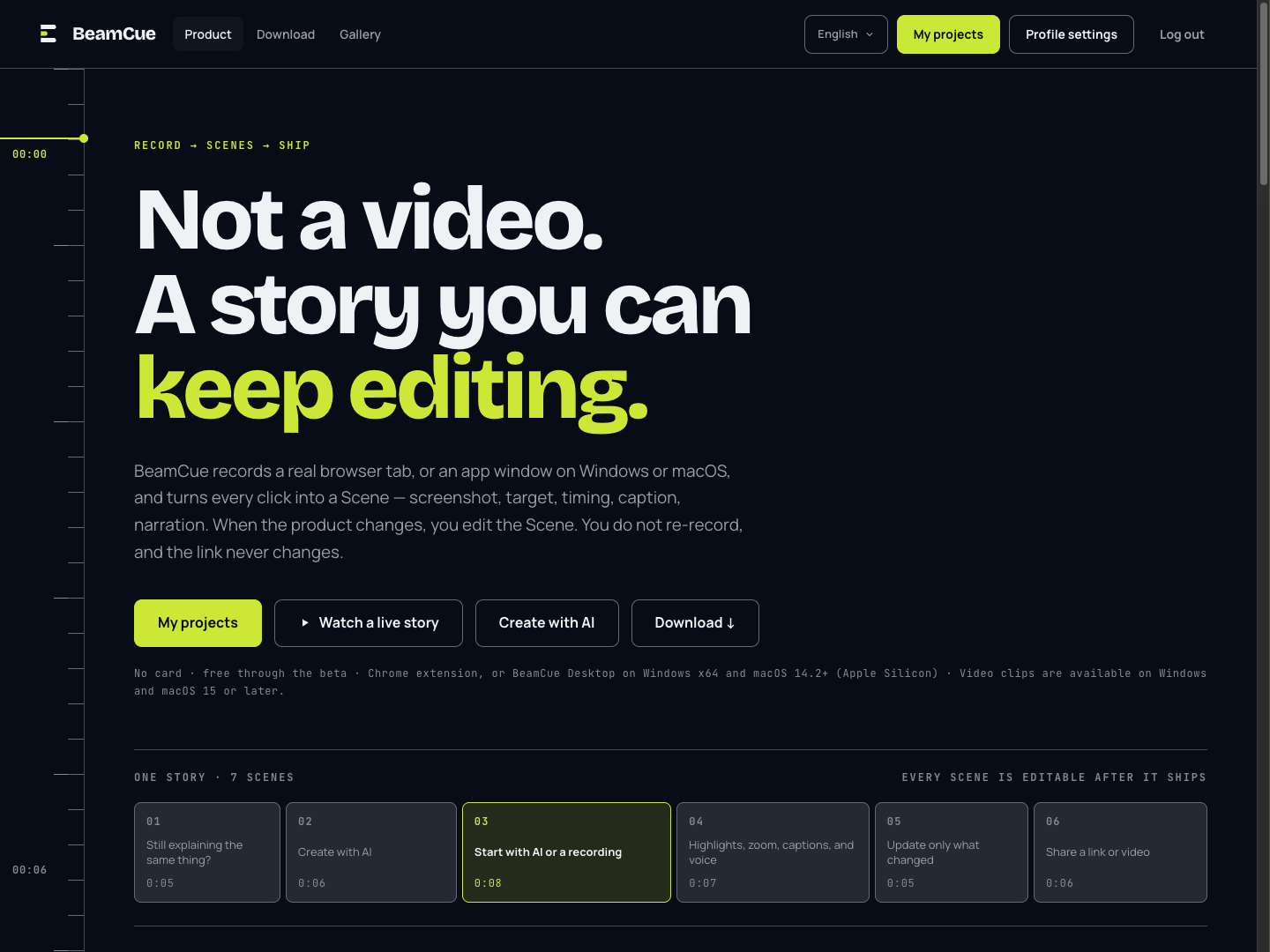
Re-recording your walkthrough whenever the product changes? BeamCue turns recordings of browser tabs and Windows or macOS apps into editable scenes with screenshots, click targets, and timing. Add captions and narration, then use highlights and zoom to draw attention to what matters.
Share product introductions, onboarding flows, and support guides as a single story. When something changes, edit the affected scenes and republish to the same link. Embed the story on your website or download it as a video.
What BeamCue does
Turn clicks into editable scenes
Record with the Chrome extension or desktop app and organize clicks and screen activity into individual scenes.
Explain with captions and narration
Add captions and multilingual narration to each scene, with highlights and zoom to focus attention on key details.
Update a scene, keep the link
Edit the scenes that changed and republish. People following your existing link can see the latest version.
Share as a link, embed, or video
Deliver stories through public or password-protected links, website embeds, and downloadable videos.