
ComUtil 컴유틸
From everyday dev tasks to AI connection checks
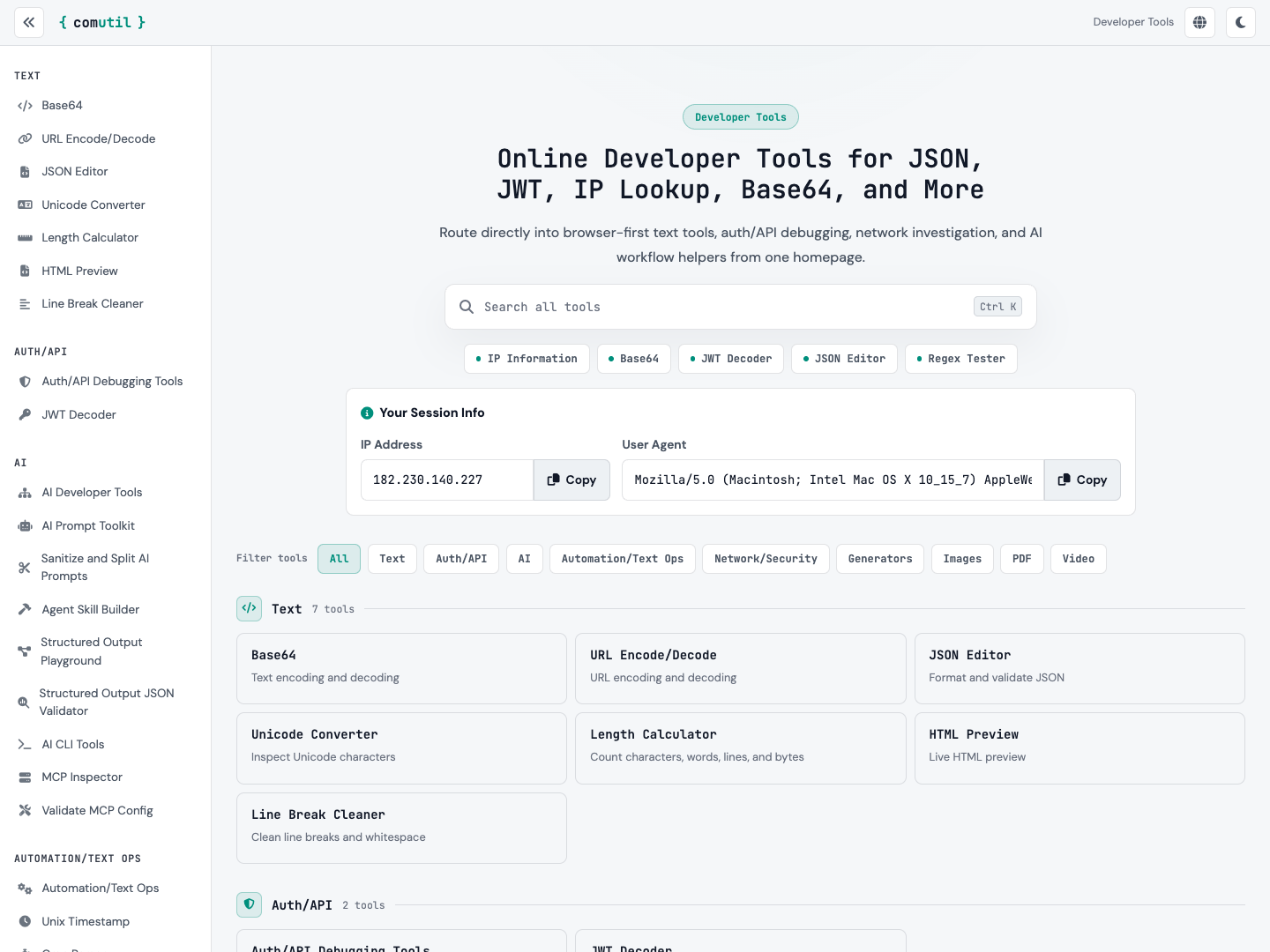
Need to format JSON or inspect a token without hunting for another tool? ComUtil brings everyday conversion, validation, and lookup tasks into a free browser toolkit. Search for tools covering text comparison, encoding, network lookups, documents, and media.
Developers and AI builders can also test APIs, inspect MCP servers, clean up prompts, and create agent skills. Some tools process data in the browser; others send requests to external services. Check each tool for its processing details.
What ComUtil does
Text and data utilities
Format and validate JSON, convert Base64, test regex, and compare text to handle routine development tasks.
Check AI connections
Inspect responses with the LLM API tester and check MCP server connections and available tools.
Prompts and agent skills
Clean up prompts, validate JSON output from AI, and prepare skill files for coding agents.
Documents and diagrams
Preview Markdown, render Mermaid diagrams, and create ER diagrams from SQL.
Image, PDF, and video tools
Resize and convert images, merge and split PDFs, and extract video frames or audio.
Find your next tool
Use search and recently used tools to continue your work, with multiple interface languages including Korean and English.