
SpinCat 스핀캣
AI usage and computer health at a glance
“How much Claude usage do I have left? Can I keep using Codex?” “My computer feels slow. Which resources are busy?” SpinCat brings these everyday checks into one monitoring app, with usage and remaining limits for supported AI services alongside device status.
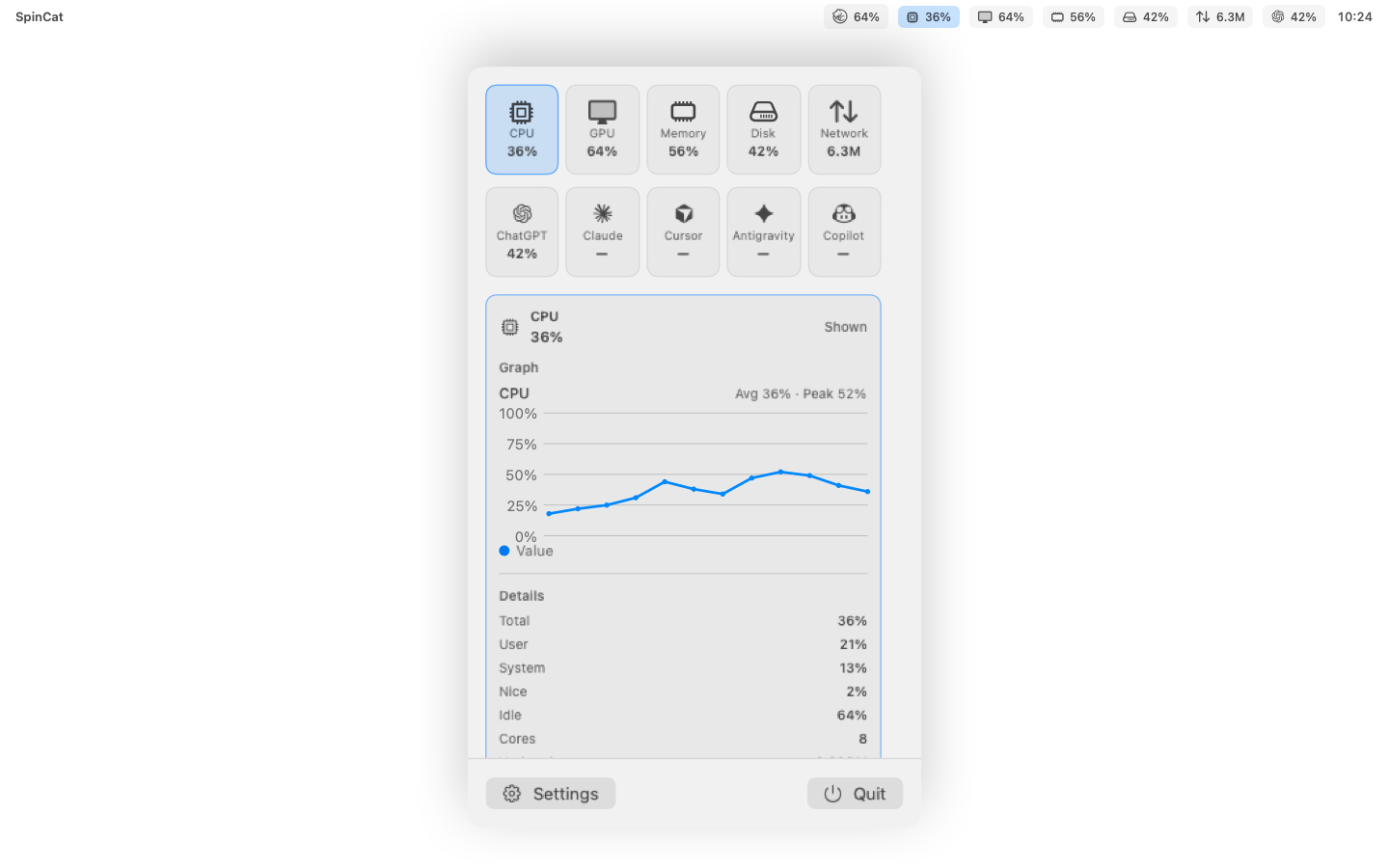
Open it from the Mac menu bar or Windows system tray, and make the spinning cat your own with a choice of appearance and rotation speed. It is useful for developers juggling AI tools, builders who enjoy vibe coding, and anyone who likes to keep an eye on their computer.
What SpinCat does
AI usage at a glance
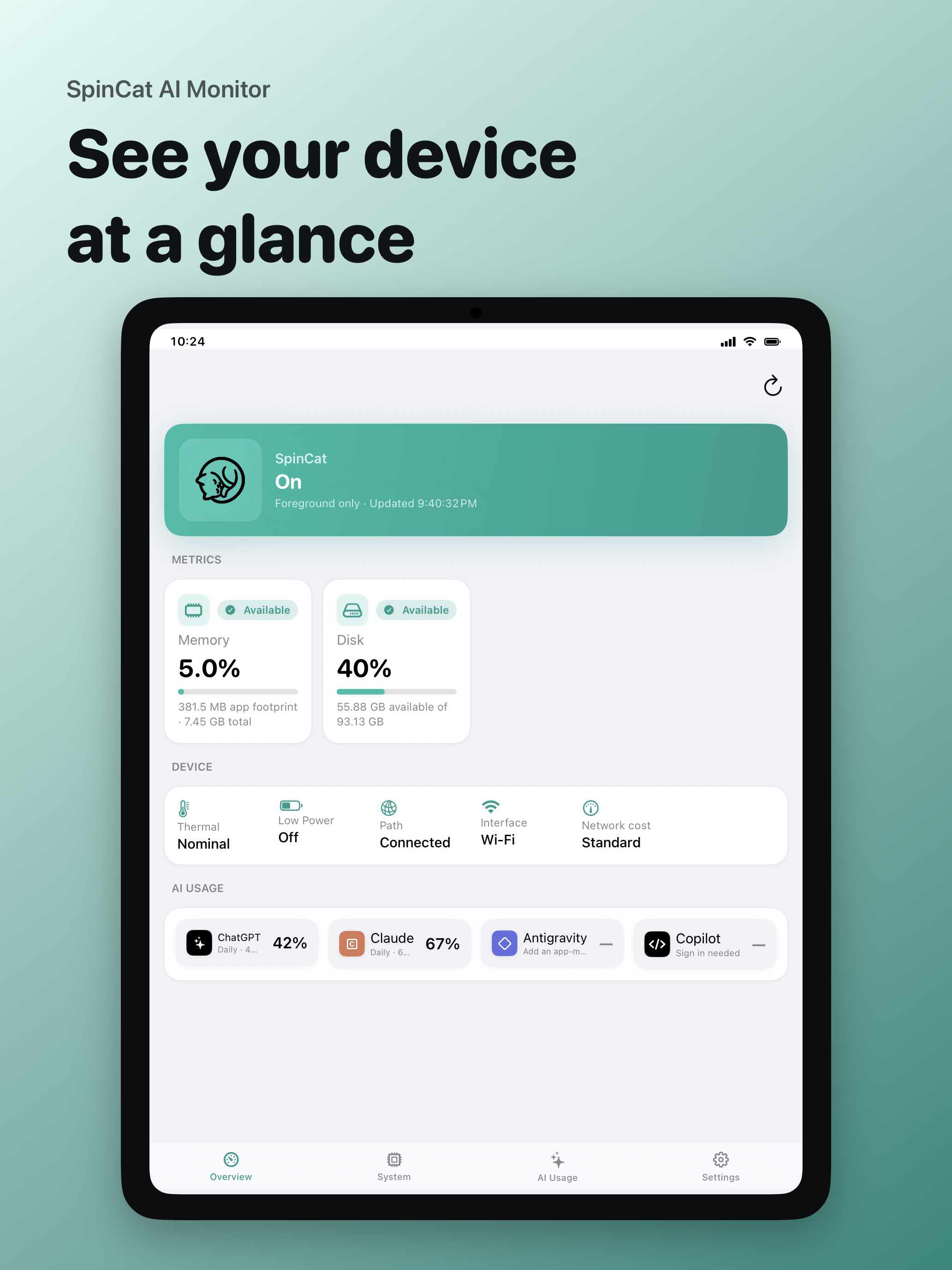
Check usage, remaining limits, and reset information for supported services such as Claude, ChatGPT/Codex, GitHub Copilot, and Antigravity.
A cat in your workspace
Meet your cat in the Mac menu bar or Windows system tray. Adjust its appearance and rotation speed, and open the information you need while working.
Keep an eye on your computer
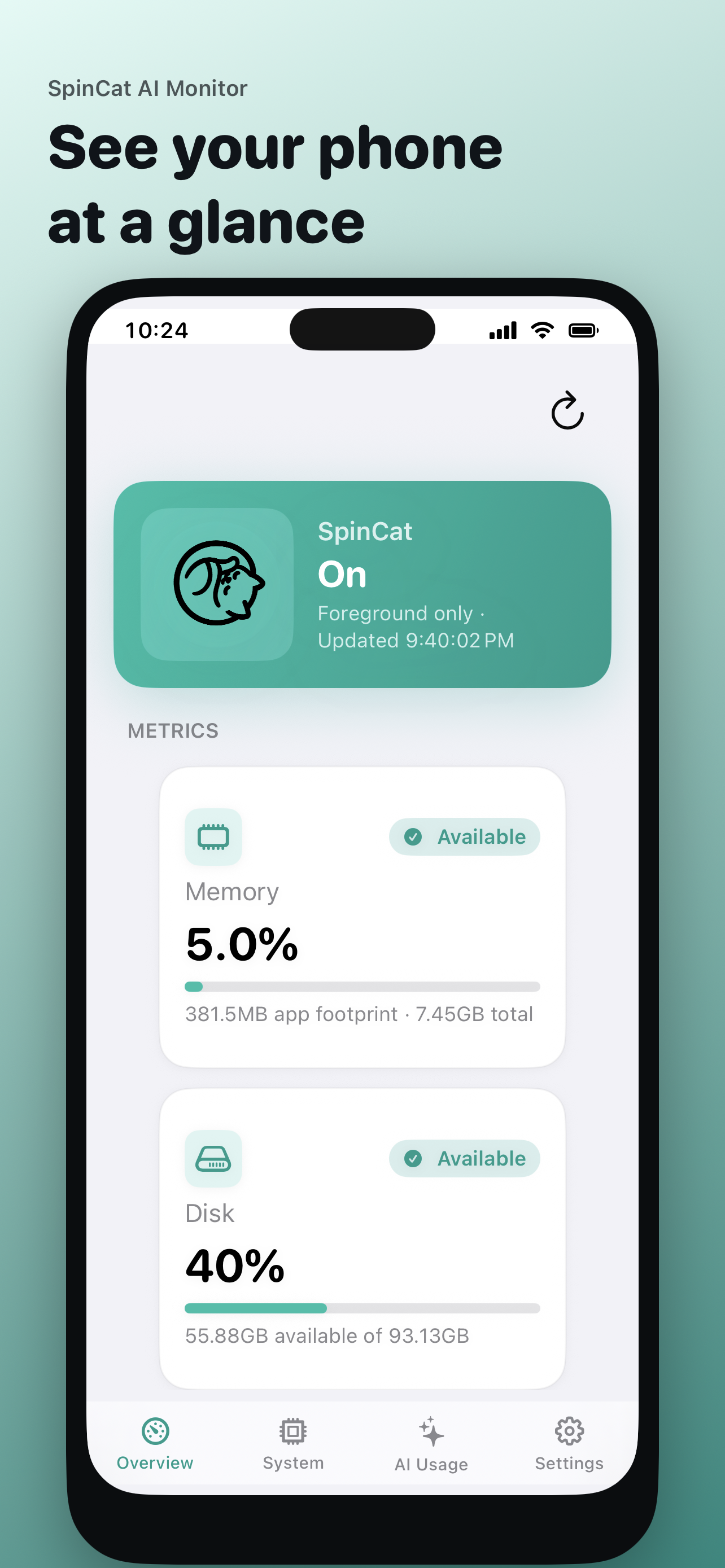
View supported CPU, GPU, memory, disk, and network metrics to see which resources your computer is using.
Make it fit your workflow
Choose light or dark mode and one of eight languages, including Korean. Customize the visible items and refresh interval.
Your data stays on your device
Usage data is not uploaded to SpinCat servers. Authentication and communication needed to retrieve AI usage go through the provider you select.
Monitoring for your device
Available on Windows, Android, iPhone, iPad, and Mac. Supported AI services and system metrics may vary by operating system and account type.